
BeaconMedaes GOT 1000 HMI Touchscreen Controller
Documents & Manuals: View or Download
Equipment Description
The BeaconMedaes GOT 1000 is a Mitsubishi-based HMI touchscreen controller used on Lifeline TAE medical air and vacuum systems. It provides real-time system monitoring, service scheduling, and configuration through a color touchscreen interface with password-protected service and maintenance screens.
Technical Reference
Parts, service kits, and configuration data from the manufacturer's documentation.
| Displays | |
| HMI01-001 | HMI Touchscreen, GT1155-QSBD, 5.7", 256 Color *** Replaced with 4107 6553 14 *** |
| 4107 6553 14 | HMI Touchscreen, GT1455-QTBDE, 5.7", 65K Color |
| HMI01-002 | HMI Touchscreen, GT1565-VTBD, 8.4", 256 Color |
| Parts | |
| BAT01-001 | Battery, 3.0V, Mitsubishi #GT11-50BAT |
| Pass Codes | |
| 111 | Maintenance Password. Used after performing filter change, etc. |
| 411 | Service Password. Used to setup/change system information. |
| 911 | Upper Level Password. Used to change analog setpoint, service intervals. |
| Hidden Screen Buttons | |
| Bottom right corner:
From the Service Screen. Leads you to the Service Only
Screen. This is where you can change the service schedule due
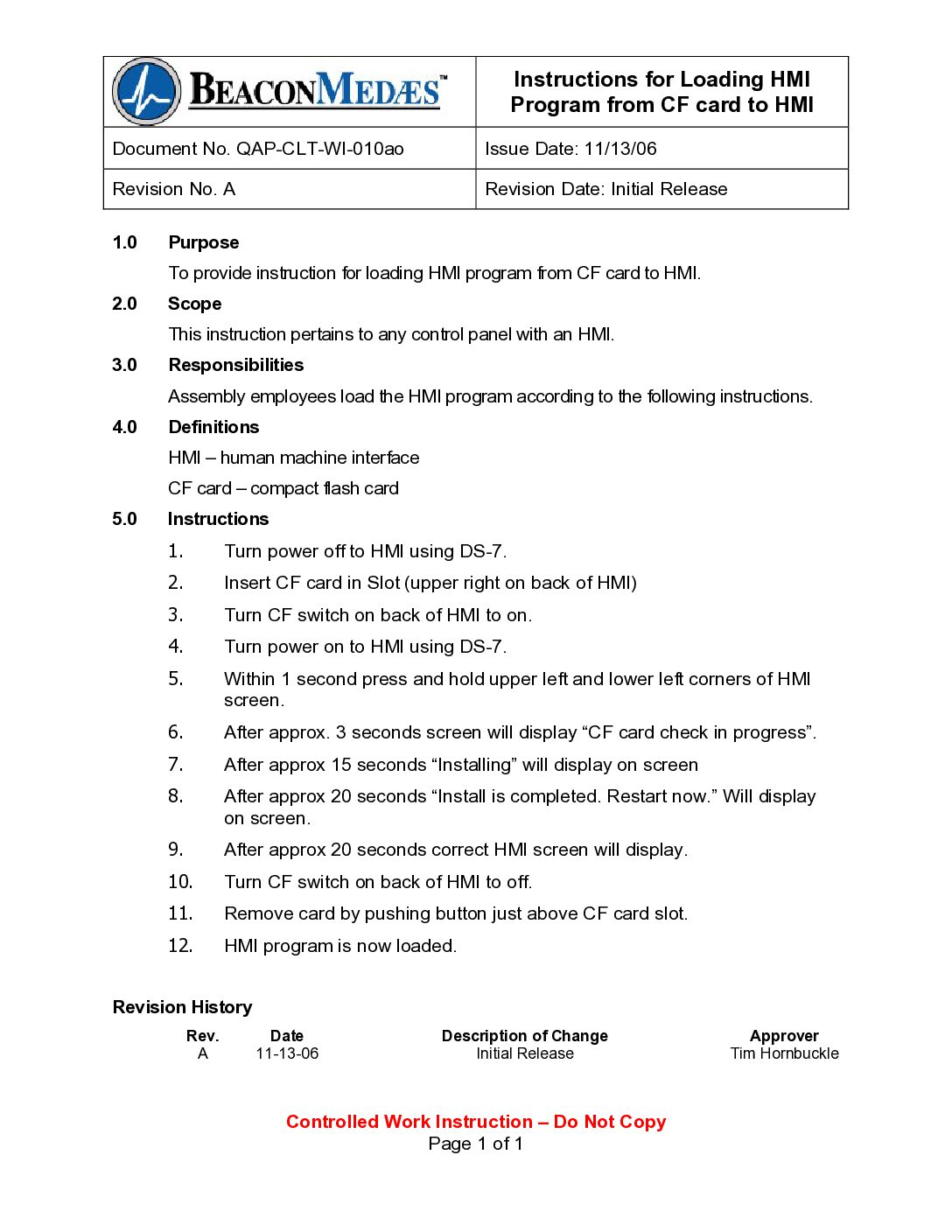
date, etc. Pass Code 411 would be used here. Upper Left & Right (same time): From the Service Screen. Leads you to the GOT1000 system setting screen. Access to program, set time and date, etc. Upper Left & Bottom Left (during bootup): Allows access to load new OS or reprogram OS. | |